Development Environment Editor Setup
Visual Studio Code
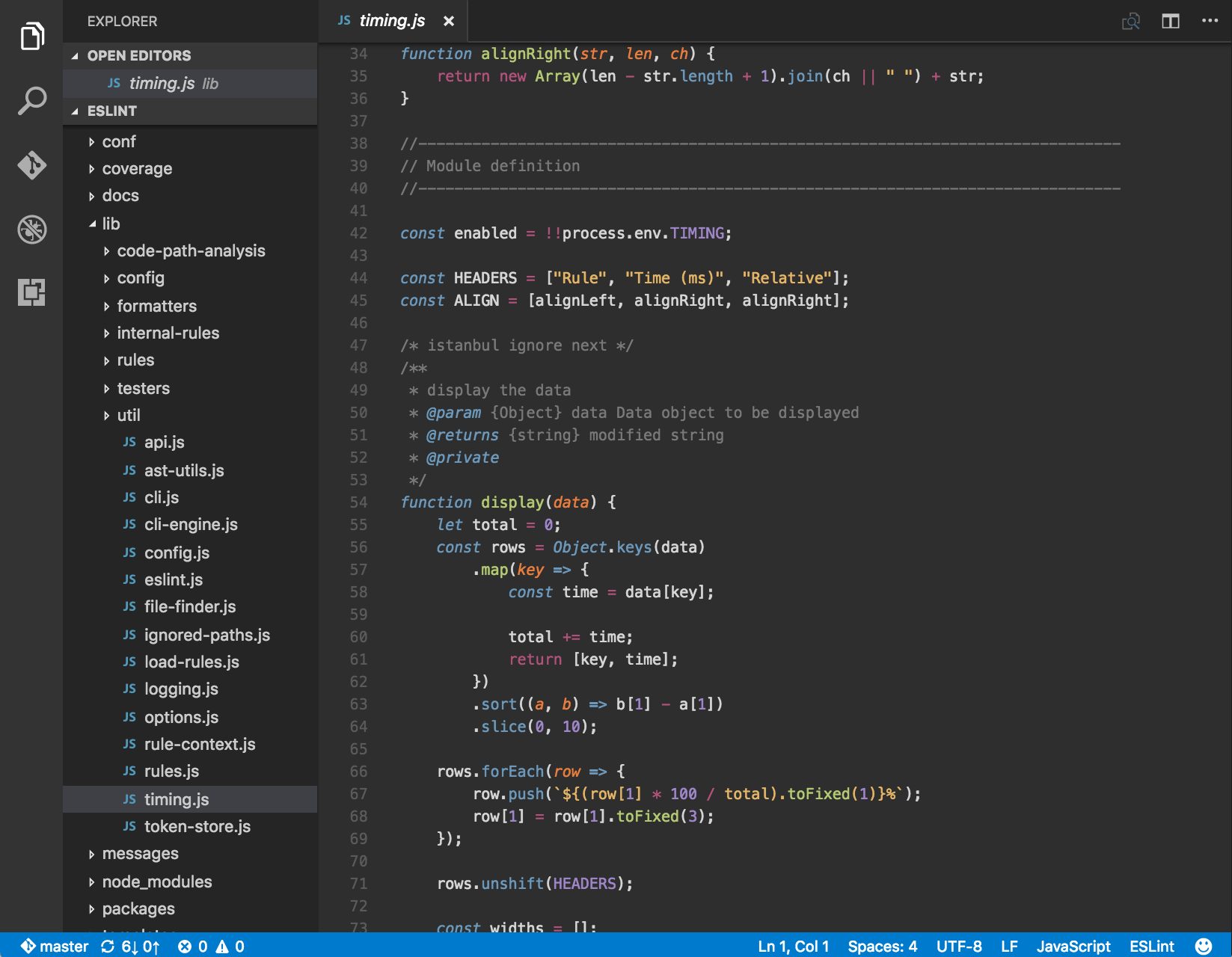
Visual Studio Code is the most popular cross-platform code editor available. It is available on all major operating systems and can be easily installed and customized.
It does not require extensive customization as it ships with many important features right of out of the box.
Installation
- Go to the editors homepage
- Follow the instructions
Recommended extensions
Using VSCode without any extensions is completely fine as it comes with a ton of features built into its core.
Prettier - code formatter
Prettier automatically formats our code according to some rules. It supports many languages and is very useful when working in teams as it enforces a consistent code style.
Live Server - live reload of static and dynamic web pages
Live Server automatically reloads web pages we're actively developing so that we can immediately see the effects of our code changes. This extension is very useful when learning HTML and CSS.