Building and publishing a DHIS2 app using the app platform
Manually installing an app on a DHIS2 instance
Prerequisites
- Access to a DHIS2 instance
For testing use we recommend running a local DHIS2 instance on your own machine, but you can also use on of the DHIS2 Play instances.
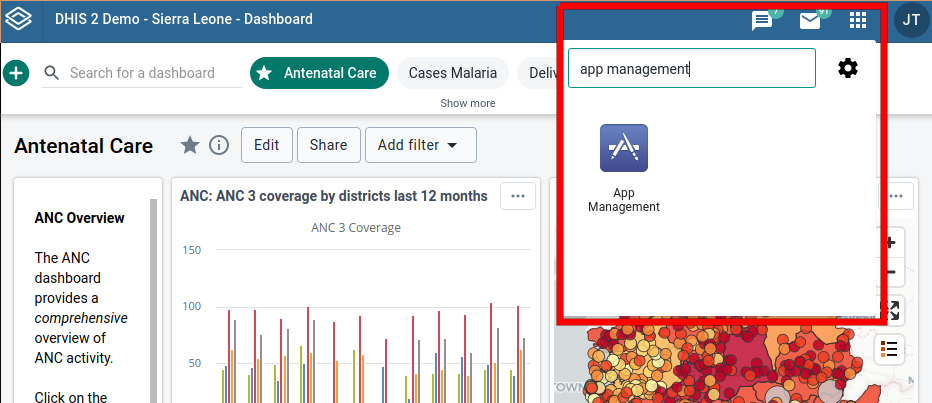
DHIS2 App Management application
A normal installation of DHIS2 should contain a pre-installed application called App Management. This application can be used to install and uninstall standard, dashboard, tracked dashboard and resource apps.
Our app is classified as a standard app which means we can go straight
ahead and upload the .zip file generated in the previous step.
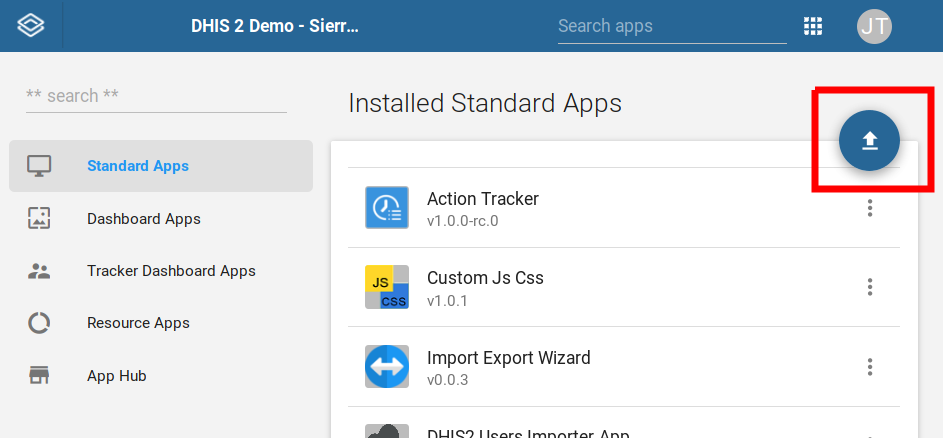
After the app has been uploaded and installed it will be available to all users and can be searched up by name in the search field.