Submitting an app to the DHIS2 App Hub
Adding additional versions to a submitted app
DHIS2 App Hub allows us to upload as many app versions as we want targeting various DHIS2 core minimum and maximum versions. This makes it easier for users of our apps to update to supported versions automatically.
Adding a new version
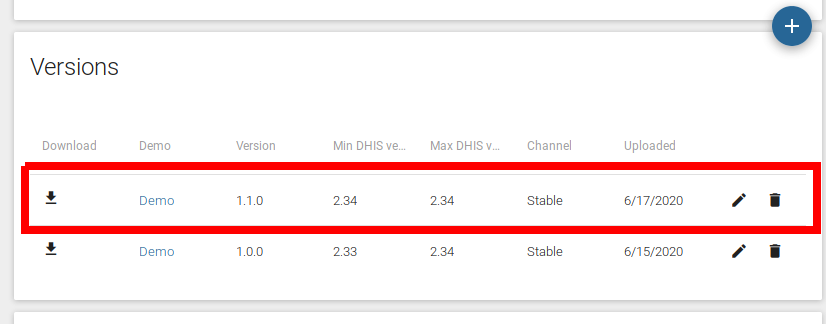
The version section lists the versions we already have submitted as well us giving us the option of adding new versions by clicking the floating action button.
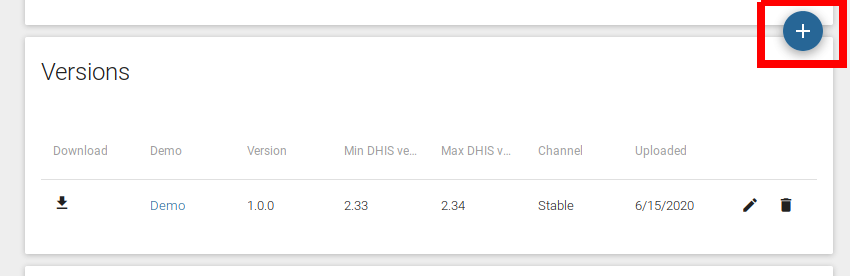
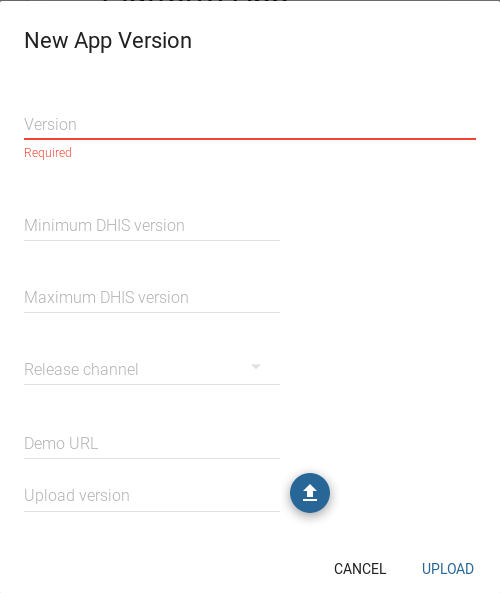
Clicking the button shows a New App Version modal with similar
fields as the ones we saw when we originally submitted our app.
Once we have entered data into all the required fields, we can see that the new app version is added to the list.