Submitting an app to the DHIS2 App Hub
Publishing app
The DHIS2 App Hub is a service where DHIS2 app developers can submit their apps and make them available to other DHIS2 users, similar to Google Play Store or Apple App Store.
Prerequisites
- Google account
Logging in
Logging in to the DHIS2 App Hub requires a Google account for authentication. Either create a new account or log in with your current account and follow the instructions given to you.
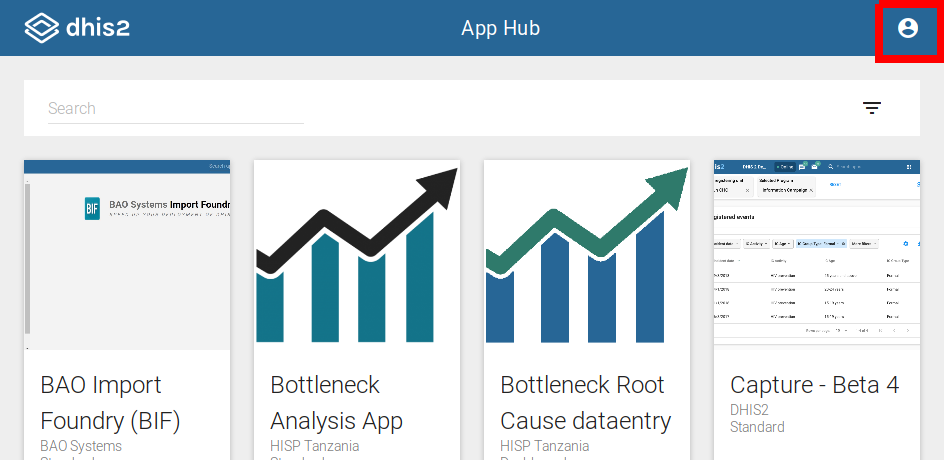
Submitting our app
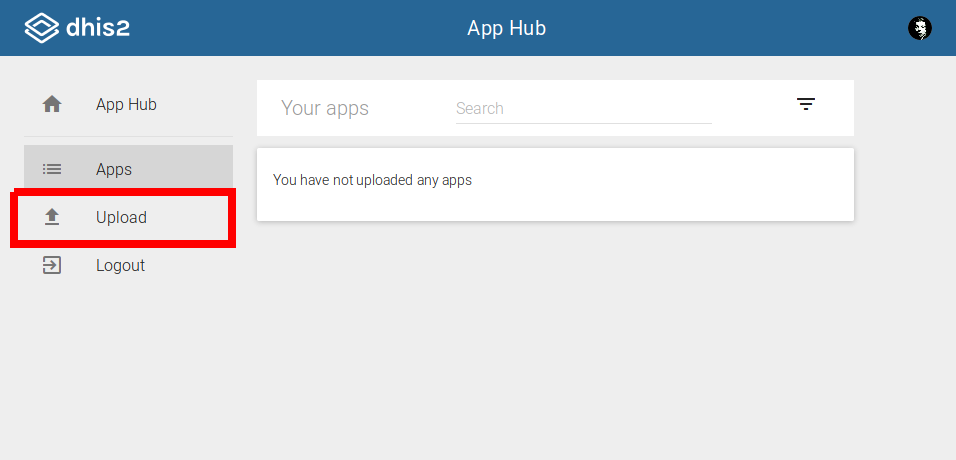
Once we have logged in to our App Hub account we can manage the apps
we have already submitted as well as submit new apps. We want to
submit a new app, which we can do by clicking the Upload link in the
sidebar.
The upload page has four main form steps we need to complete before we can submit our application.
General
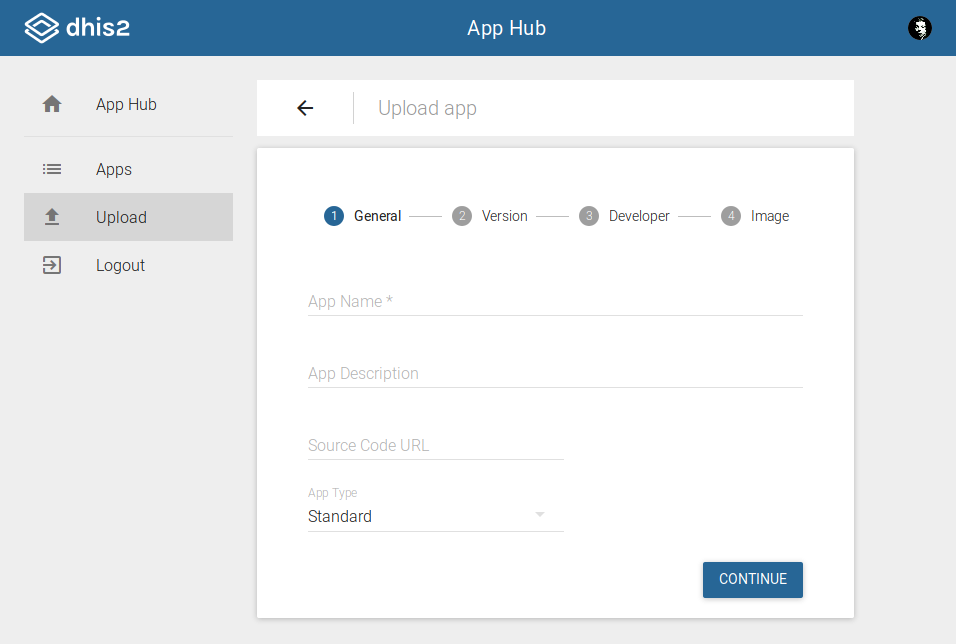
- App Name (required): Application name
- App Description (optional): Short description of what the application does
- Source Code URL (optional): Link to the code repository
- We highly recommend providing this URL as it makes it easier for users to trust application behavior
- App Type: Type of the application
- Standard, dashboard or tracker dashboard
- If unsure, leave as standard
Version
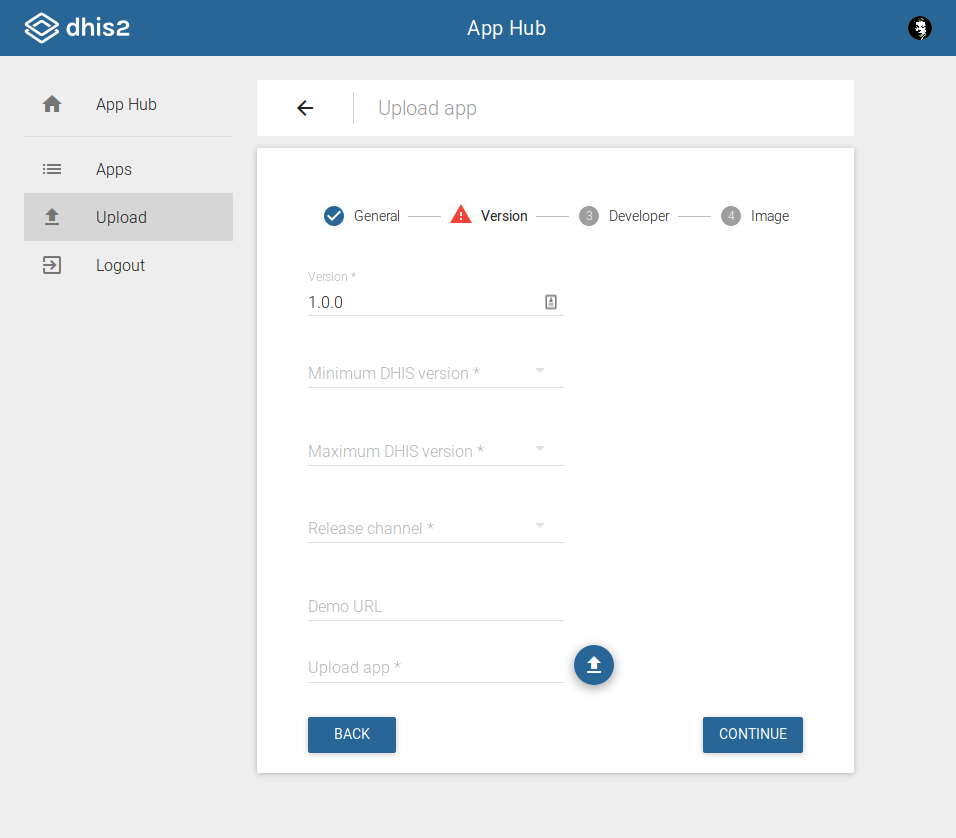
- Version (required): Application version
- Semantic versioning is recommended
- Minimum DHIS2 Version (required): Oldest version of DHIS2 that the application is compatible with
- Maximum DHIS2 Version (required): Newest version of DHIS2 that the application is compatible with
- Release Channel (required): Channel to release the app to
- Only stable available for now, but in the future app developers can submit to beta channels such that their apps can be tested by some end users before finally releasing them to the wide stable public
- Demo URL (optional): URL of a demo version of the application
such that users can try out the app without installing it first
- We recommend providing this URL as it lowers the threshold of trying out various apps and finding out which app suits one's needs better
- Upload app (required):
.zipfile of application
Developer
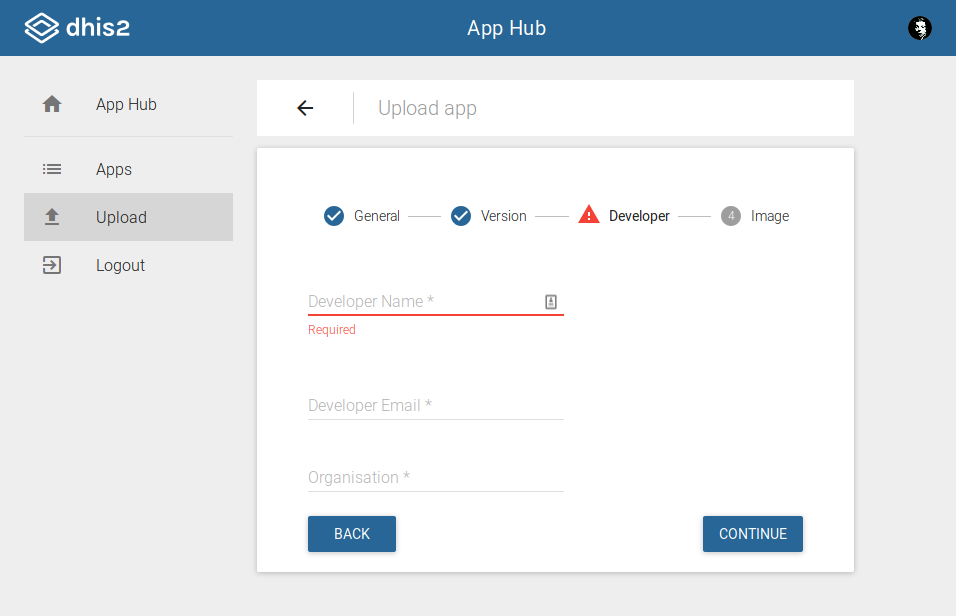
- Developer Name (required): Name of application developer
- Developer Email (required): Email of application developer
- Organisation (required): Organisation that the application
developer is a part of
- Use application developer name here as well if you are not a part of any organization
Image
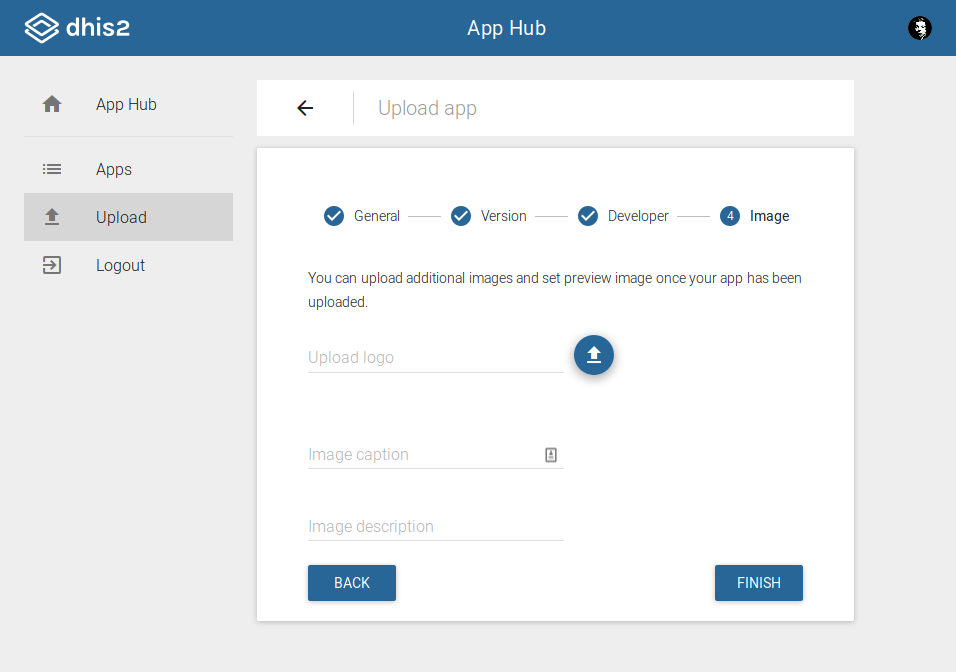
- Upload logo (required): Application logo image file
Additonal images can be uploaded after the app has been uploaded.