Getting started with DHIS2
Development environment setup
Install node and yarn
Installing DHIS2 dependencies
Install the DHIS2 CLI. We are installing it globally because we will use the CLI commands from our terminal and not in a specific project.
Local install
yarn add --dev @dhis2/cli-app-scripts
Global install
yarn global add @dhis2/cli
Initializing a new app
Create a new empty folder for your application and open it in your code editor of choice.
Then, using your terminal, navigate to your new folder and run the DHIS2 CLI init command.
d2 app scripts init myfirstapp
- If you are running windows and your terminal doesn't recognize the
d2command - try following this guide.
The init command runs a modified create-react-app script that creates a new
DHIS2 application with DHIS2 packages pre-installed.
After the setup is complete navigate to the new folder and start the application.
cd myfirstappyarn start
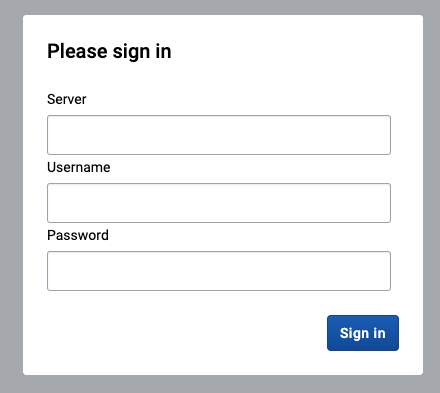
When you visit http://localhost:3000 you should see the DHIS2 log-in screen.