Getting started with DHIS2
The project code
The rest of the Getting started with DHIS2 section will be based around adding functionality to skeleton DHIS2 application.
This starting code can be downloaded from github.
https://github.uio.no/alexanrf/in5320-getting-started-dhis2
Copy these files into the /src/ folder of the project you created in the last step.
Make sure to overwrite the old files.
If yarn isn't already running, run yarn start and visit http://localhost:3000.
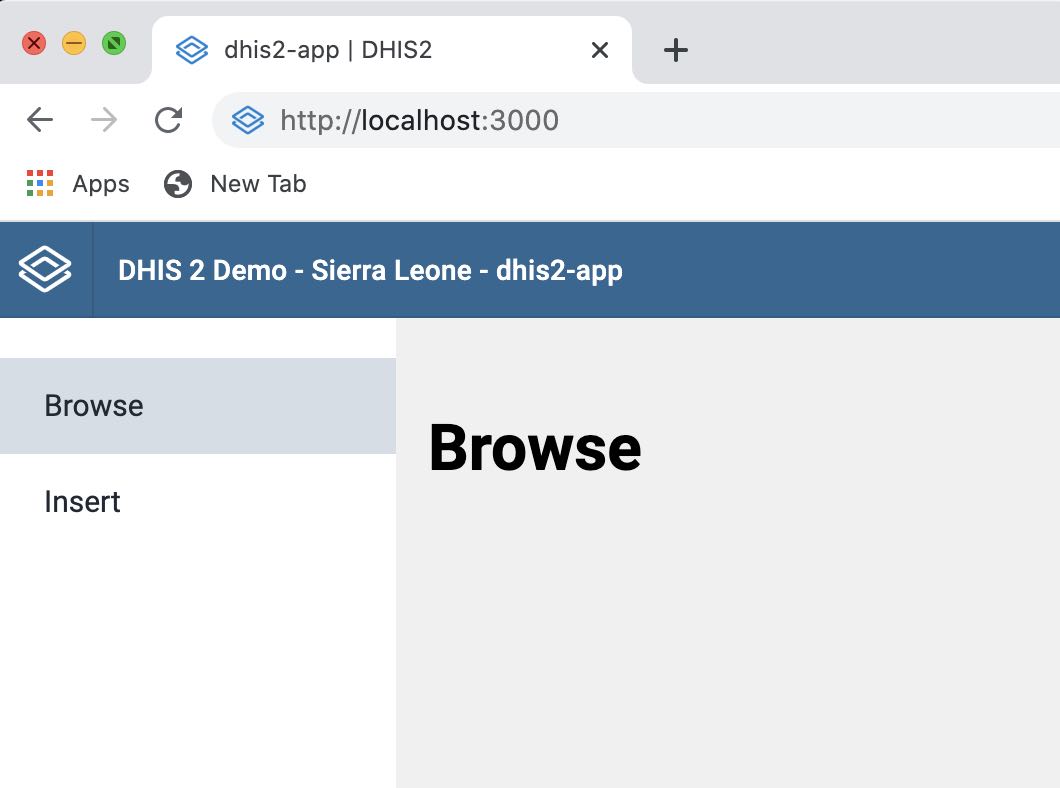
If you are having issues with the new src code, run the command below to modify the file extensions in the src folder
yarn d2-app-scripts migrate js-to-jsx
Your new application contains four important components.
App.jsNavigation.jsBrowse.jsInsert.js
You will not modify the App.jsand Navigation.js components, but you should look at them.
They contain the menu and navigation parts of the project.
The Browse.js and Insert.js components are shown when you click on "Browse" or "Insert".
You will be modifying these and creating others in the next sections.
Note: If you used the migrate command, the file extensions would now be .jsx